
Missing piece
Investor and customer conversations compete for attention.
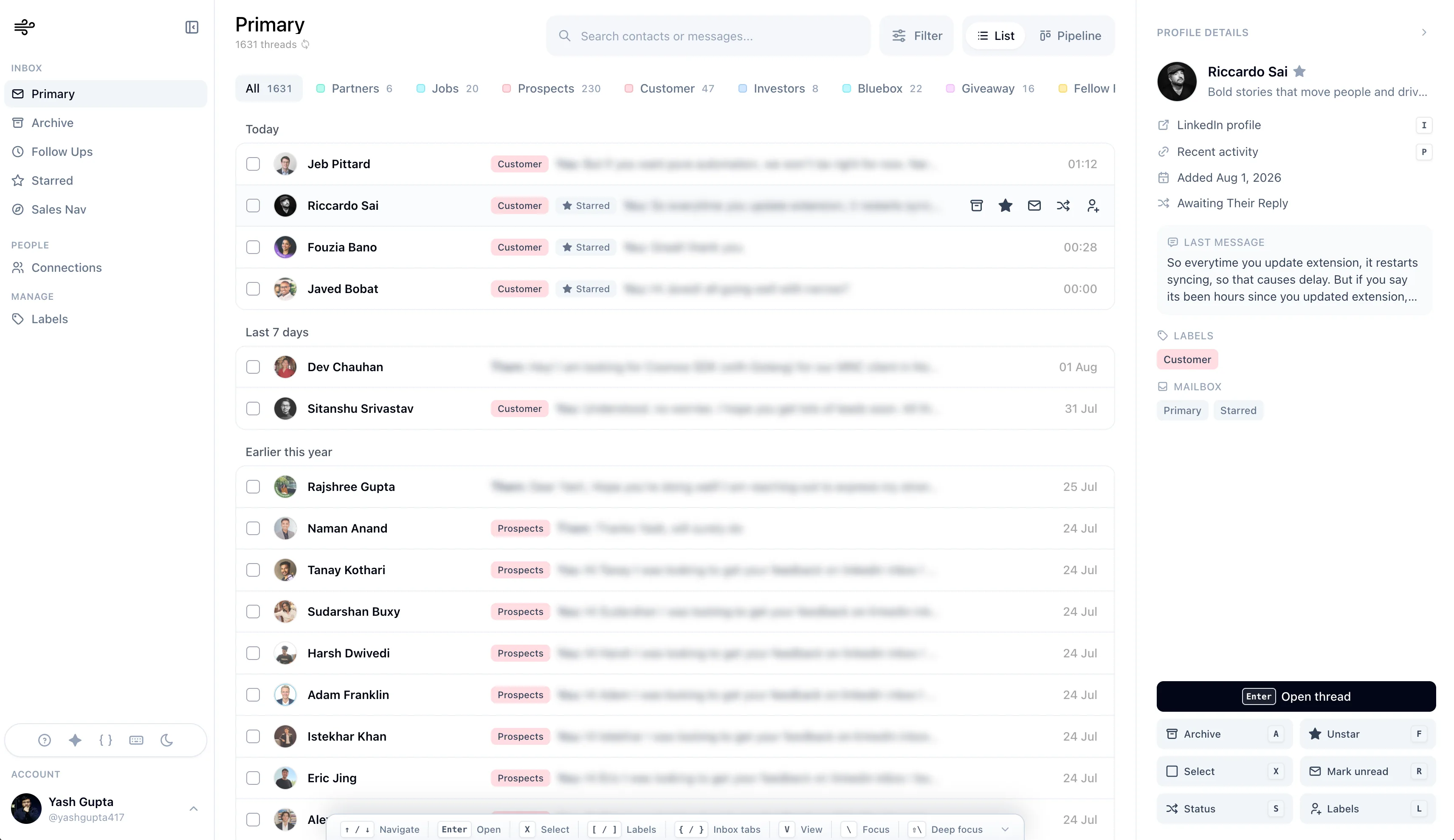
Keep investors, customers, hires, and partners separated.
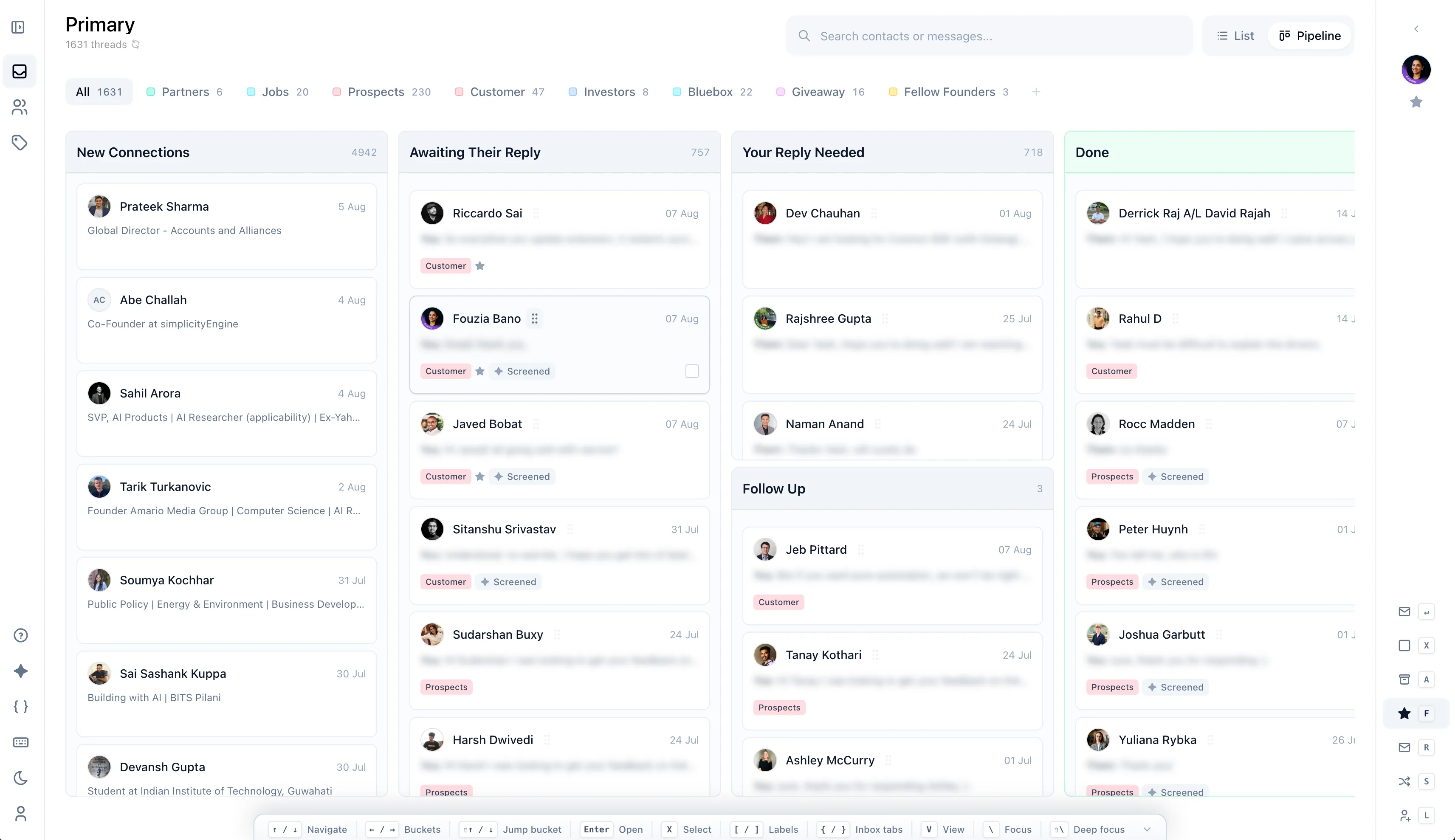
See who needs a response.
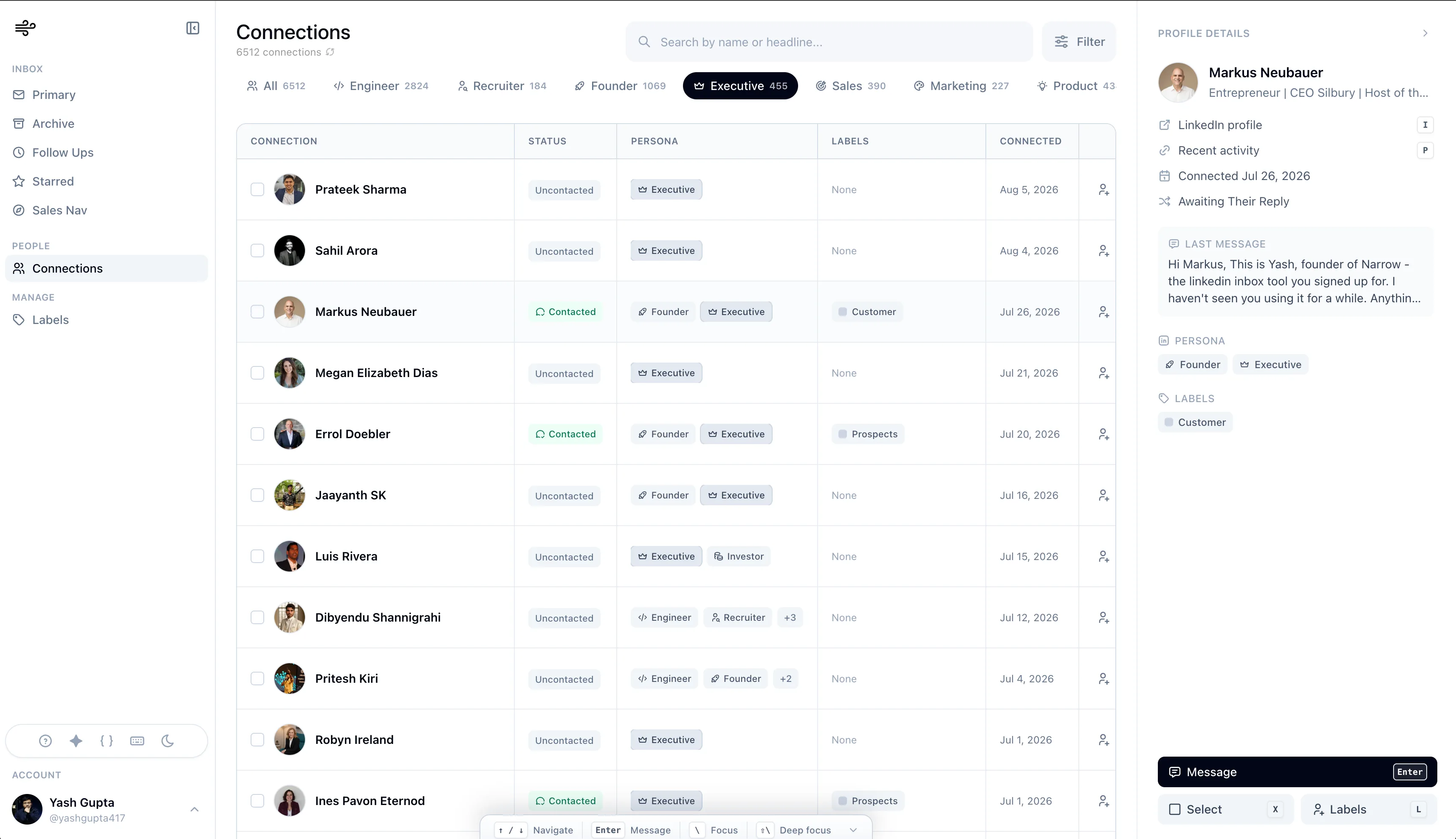
Handle customers, investors, candidates, partners, and warm intros without another admin project.
What goes wrong?
Customers, candidates, investors, and partners all need different timing. LinkedIn shows them as one feed.
Missing piece
Keep investors, customers, hires, and partners separated.
See who needs a response.
Missing piece
Make warm conversations return on time.
Separate investors, customers, hires, and partners.
Missing piece
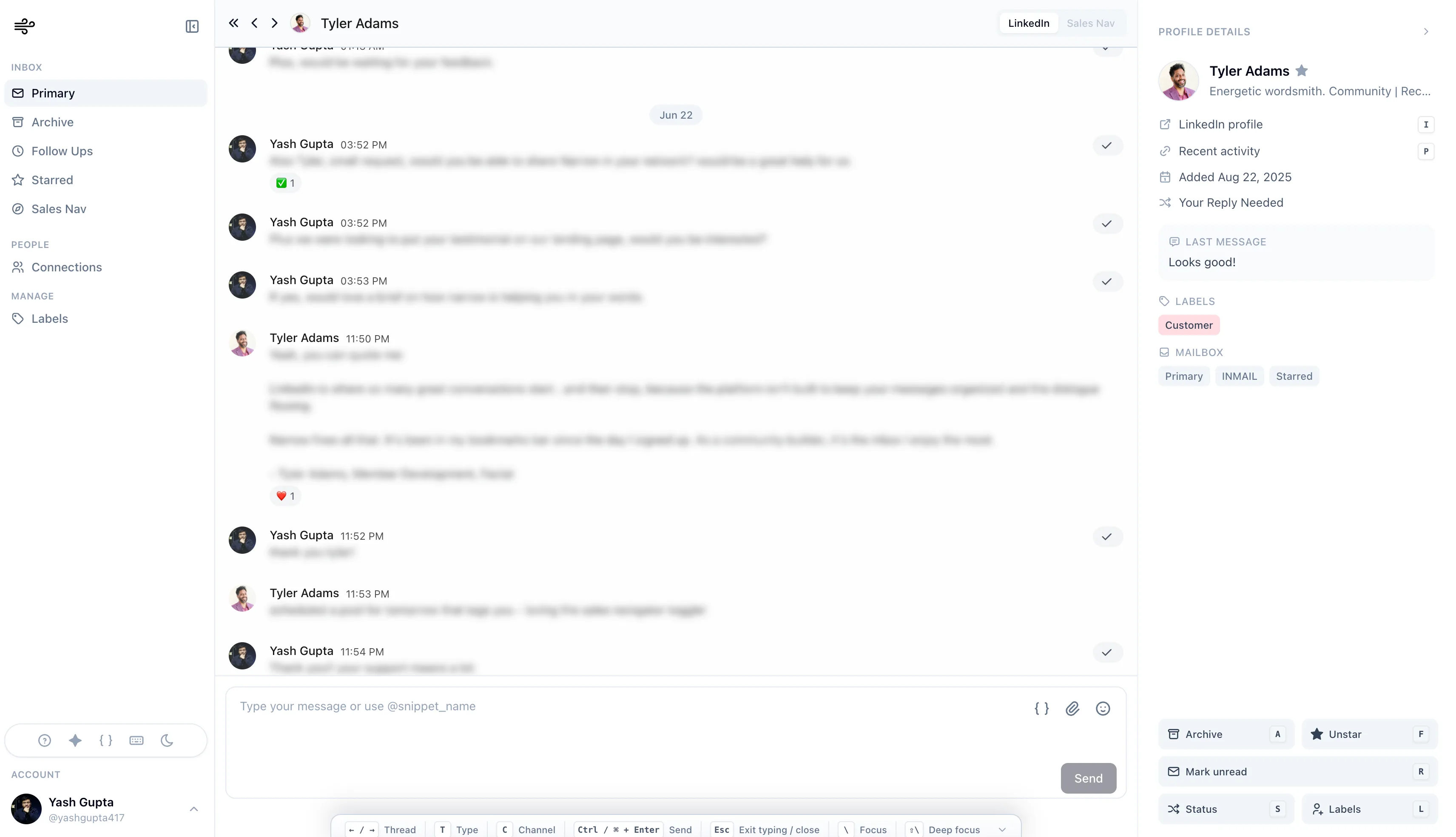
Save replies for intros, calls, updates, and follow-ups.
Keep lightweight momentum across every relationship.
How Narrow solves it
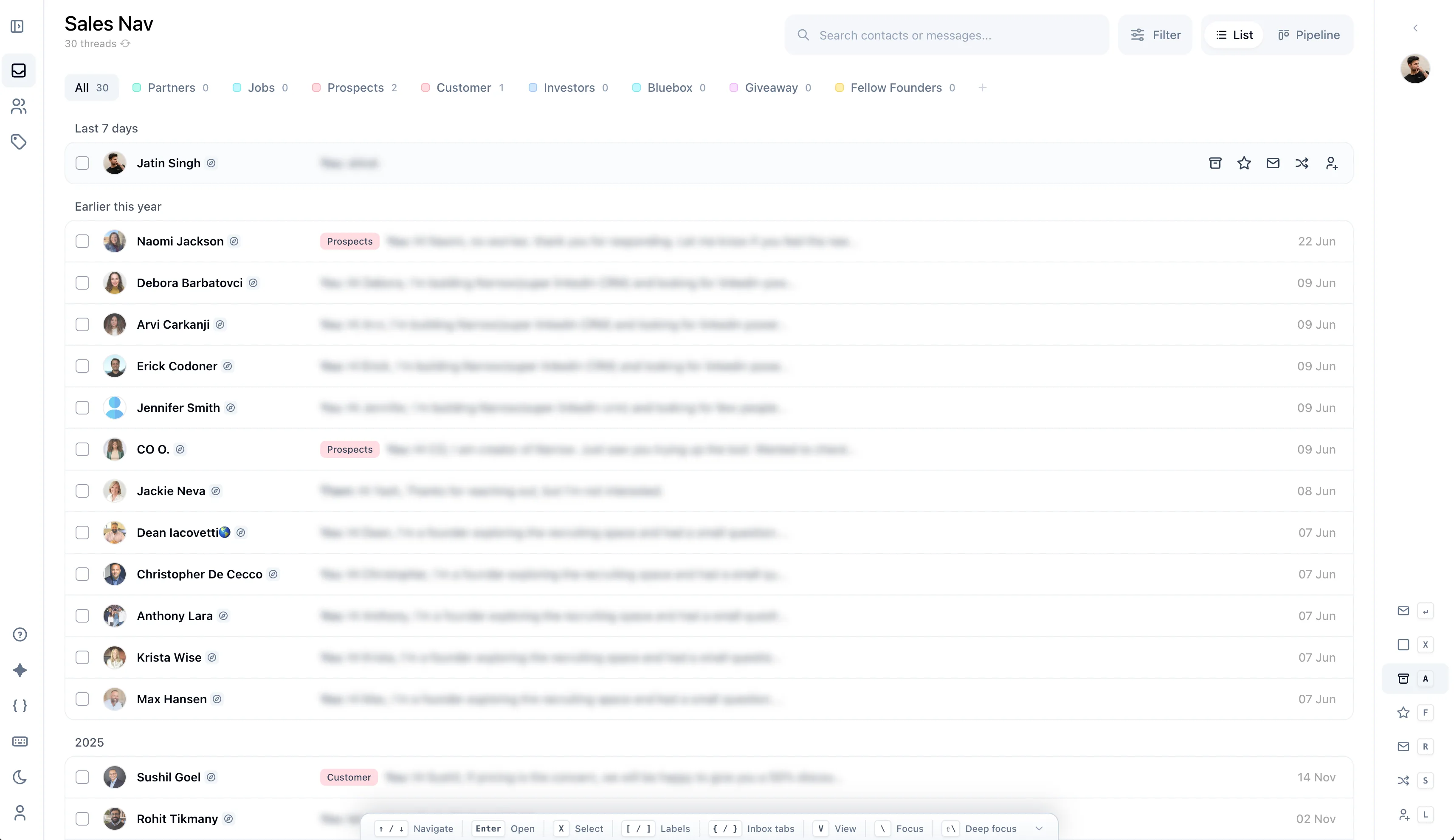
See labels, stages, reminders, search, and Sales Navigator support in the same workspace.
How do you run it?
Each step is small enough to run every day, but specific enough to keep important conversations from drifting.
Give real conversations a label and clear the rest.
Attach a follow-up before moving to the next message.
Label investor threads and review them weekly.
Still deciding?
No, and that's the point. Narrow adds labels, reminders, and stages on top of LinkedIn DMs without asking you to maintain a second system.
About two minutes: install the Chrome extension to connect your LinkedIn account, open Narrow, and your existing conversations are ready to organize.
No. Narrow is human-led. It organizes real conversations and makes replying faster, but every message is written and sent by you.
Add labels, reminders, and stages on top of the inbox you already use. No exports, no new CRM.
No credit card required