
Missing piece
Candidate replies get mixed with general LinkedIn messages.
Separate active candidates, future fits, referrals, and hiring-manager threads.
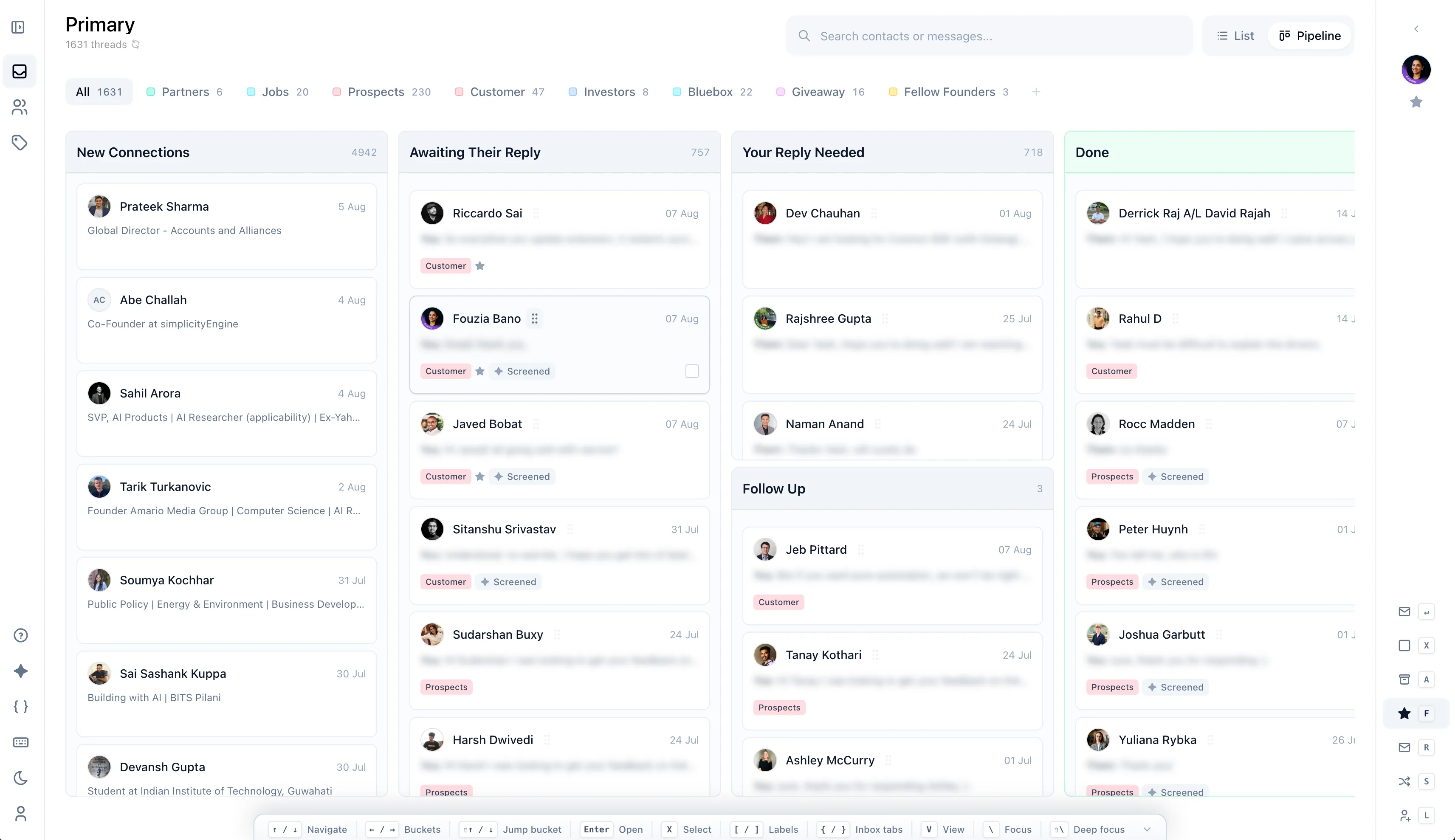
Move candidates through clear stages.
Run sourcing, follow-ups, and candidate nurture from the place senior talent actually replies.
What goes wrong?
A candidate replies, timing changes, and the thread keeps sinking in a chronological inbox.
Missing piece
Separate active candidates, future fits, referrals, and hiring-manager threads.
Move candidates through clear stages.
Missing piece
Bring candidates back when timing changes.
Set reminders for every next touch.
Missing piece
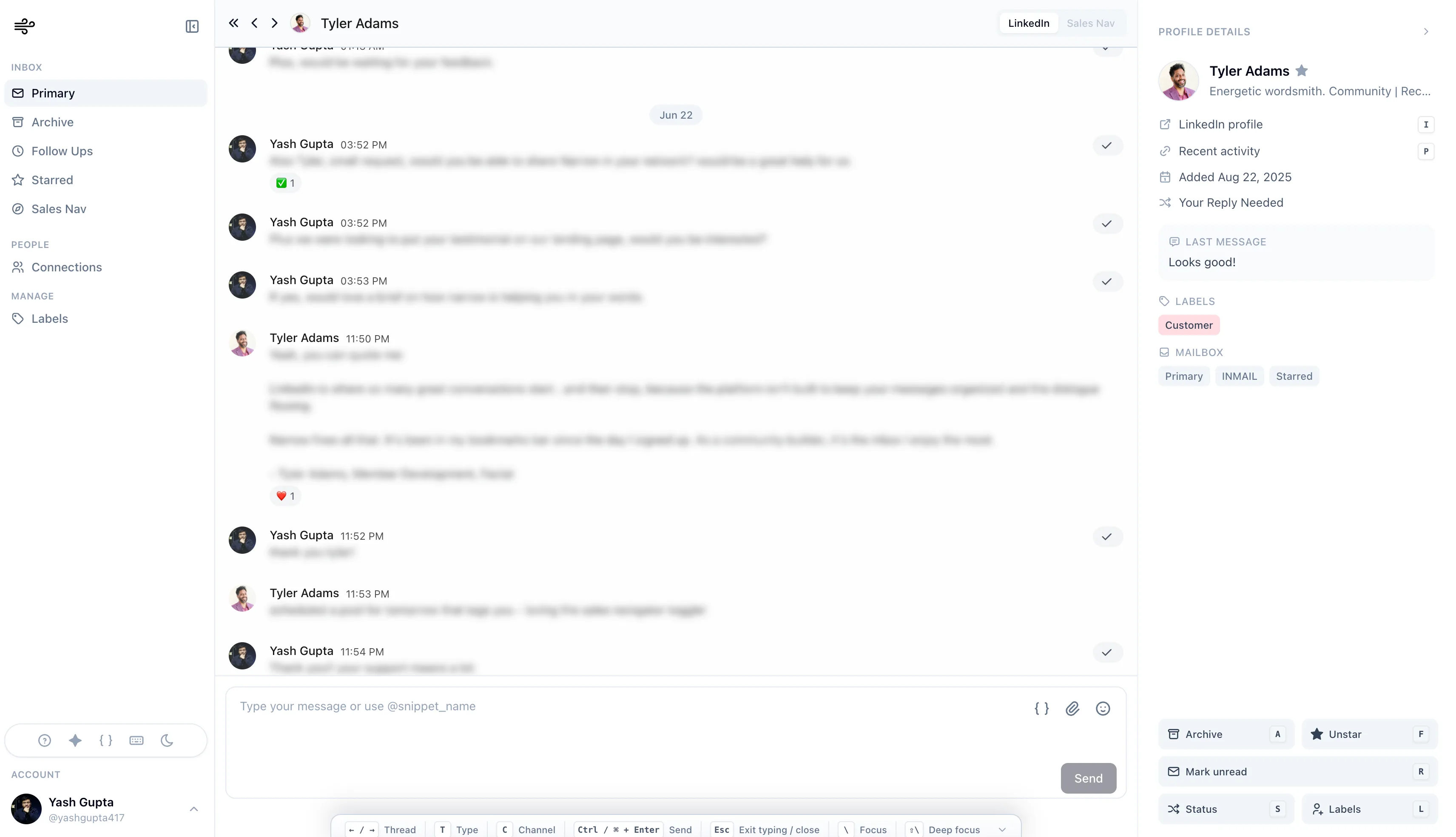
Track conversations before the ATS handoff.
Reopen the right relationship when a role appears.
How Narrow solves it
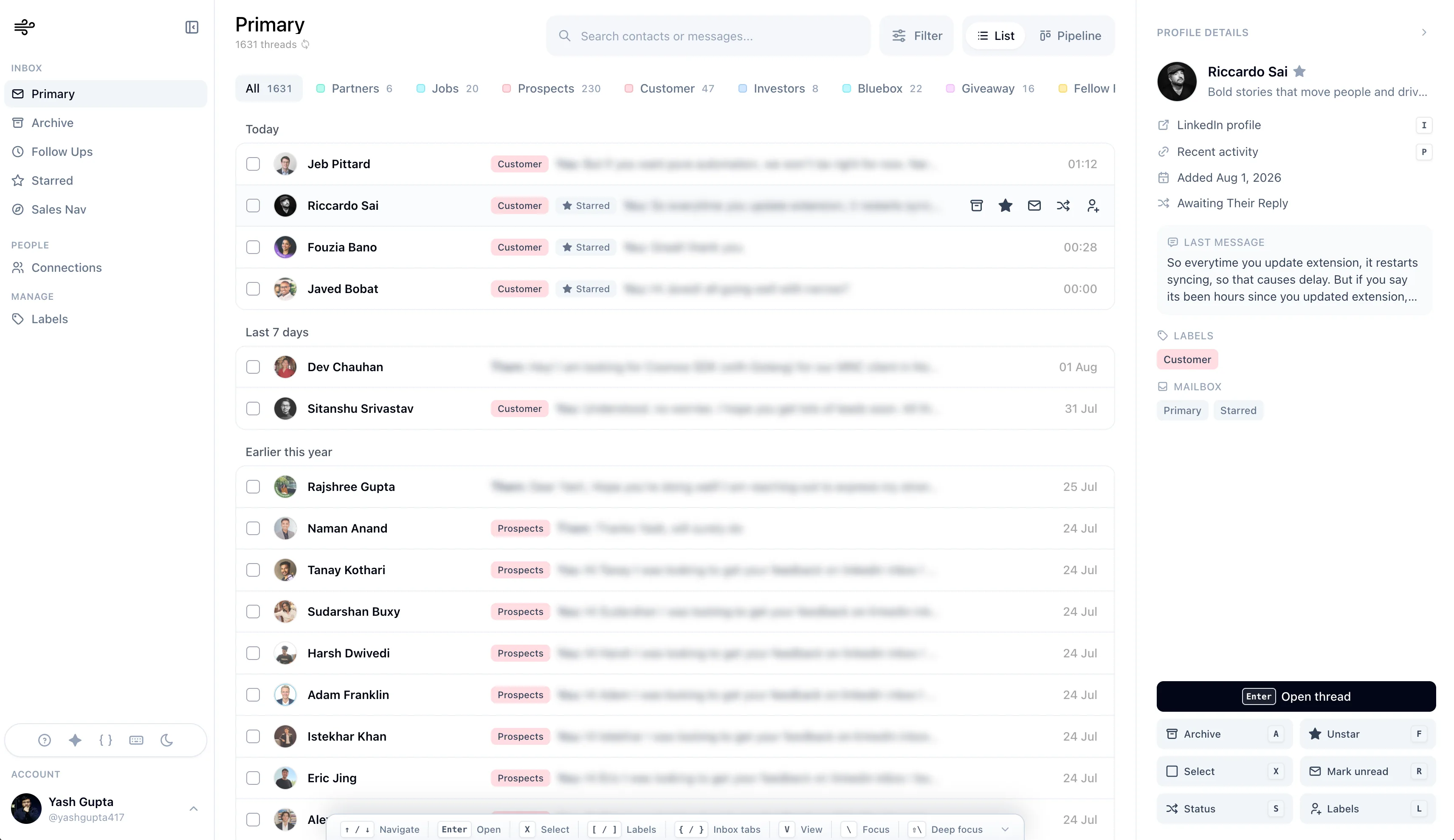
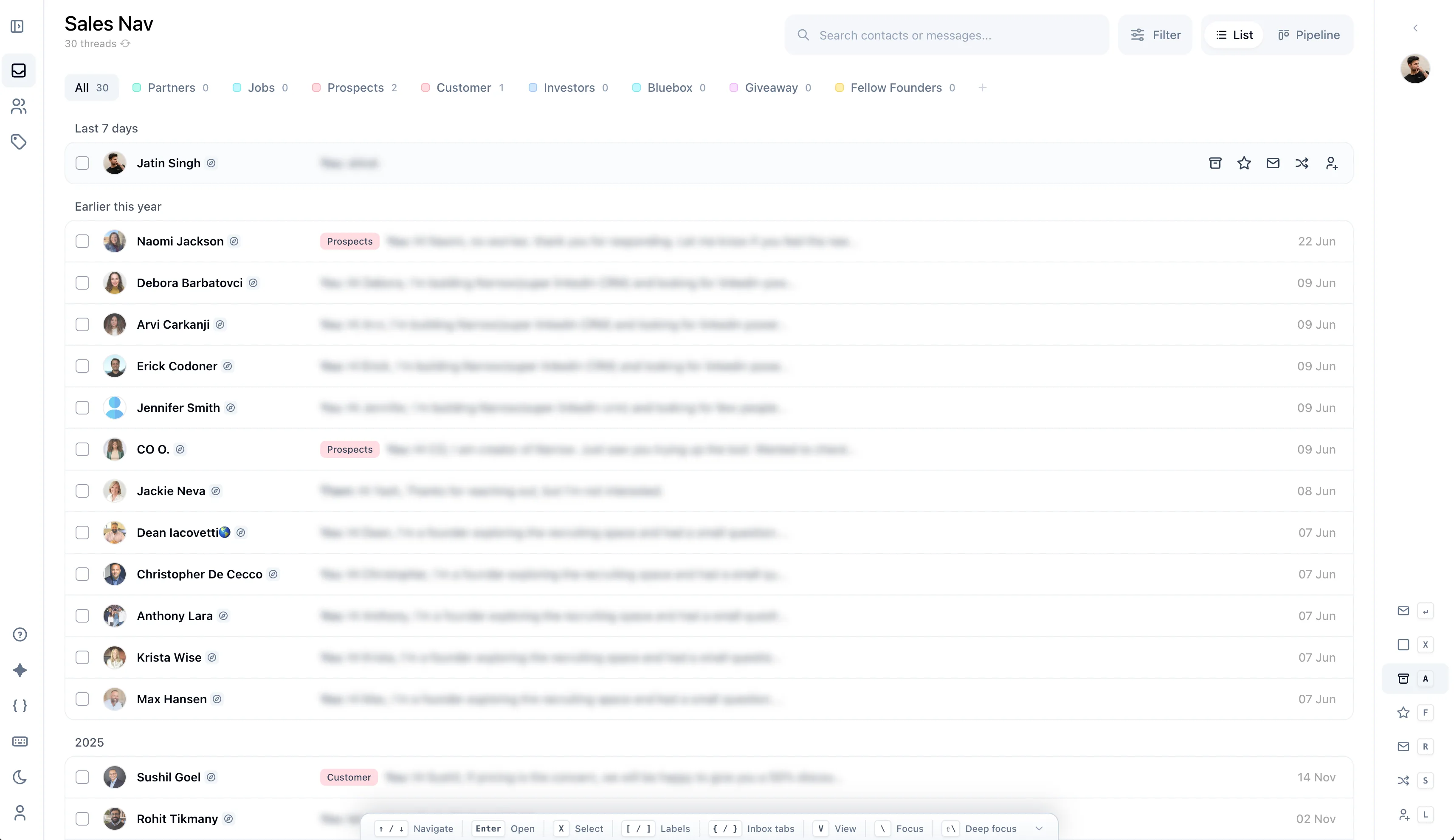
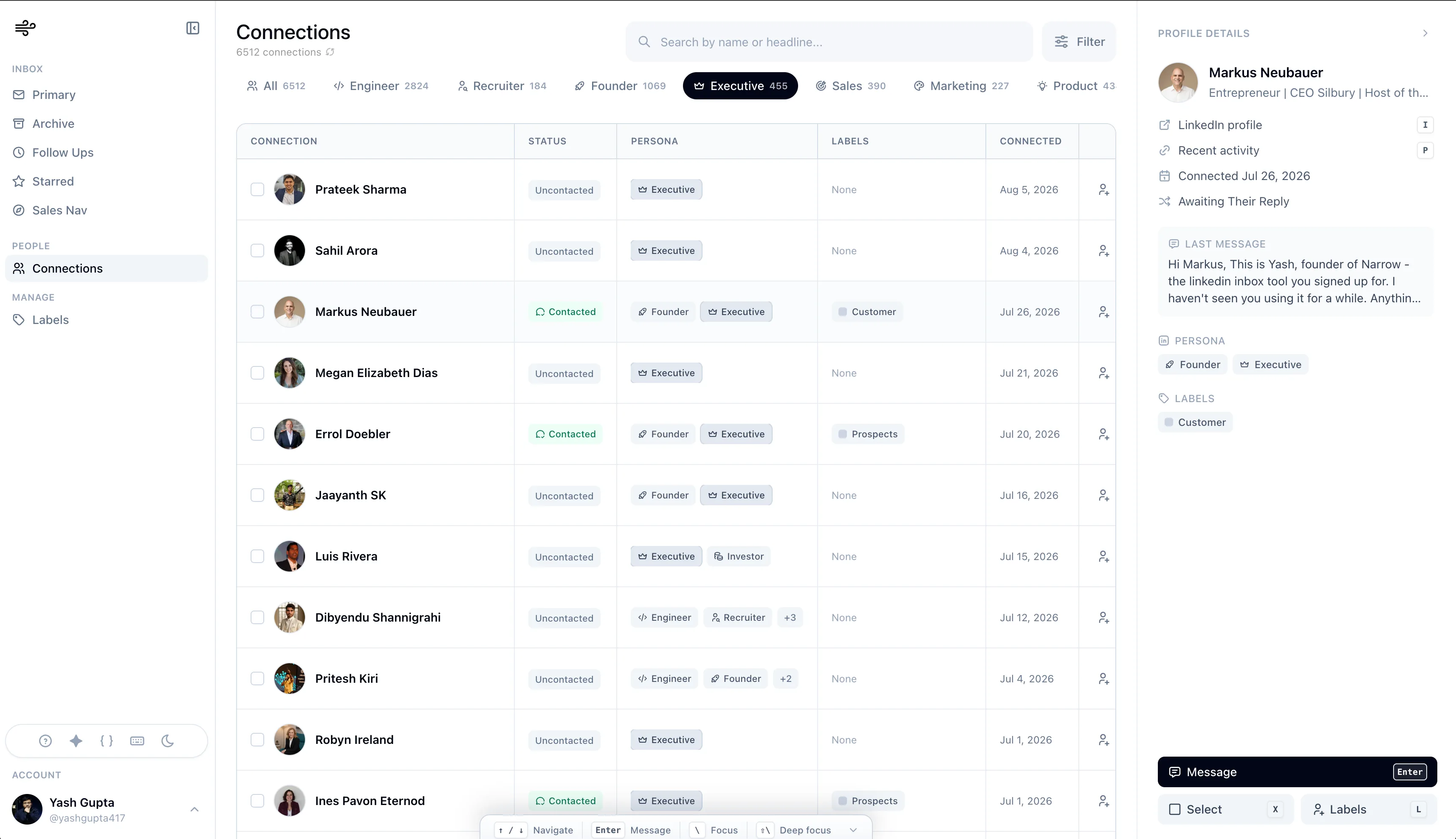
See labels, stages, reminders, search, and Sales Navigator support in the same workspace.
How do you run it?
Each step is small enough to run every day, but specific enough to keep important conversations from drifting.
Tag active candidates, future fits, referrals, and hiring-manager threads as soon as they reply.
Start in the due list, not the raw inbox.
Set a reminder and reopen the thread when timing changes.
Still deciding?
Yes. Narrow handles the conversation layer before candidates become formal ATS records: sourcing replies, screening chats, and follow-ups. Move people into your ATS when they enter the process.
No. Narrow organizes your existing LinkedIn inbox. Messages are sent from your account, exactly as if you'd typed them in LinkedIn.
Yes. Narrow works on your LinkedIn message threads, including Sales Navigator conversations if you source there, so everything shows up in one workspace.
Add labels, reminders, and stages on top of the inbox you already use. No exports, no new CRM.
No credit card required
