
Missing piece
Sales Navigator replies are easy to lose after the first touch.
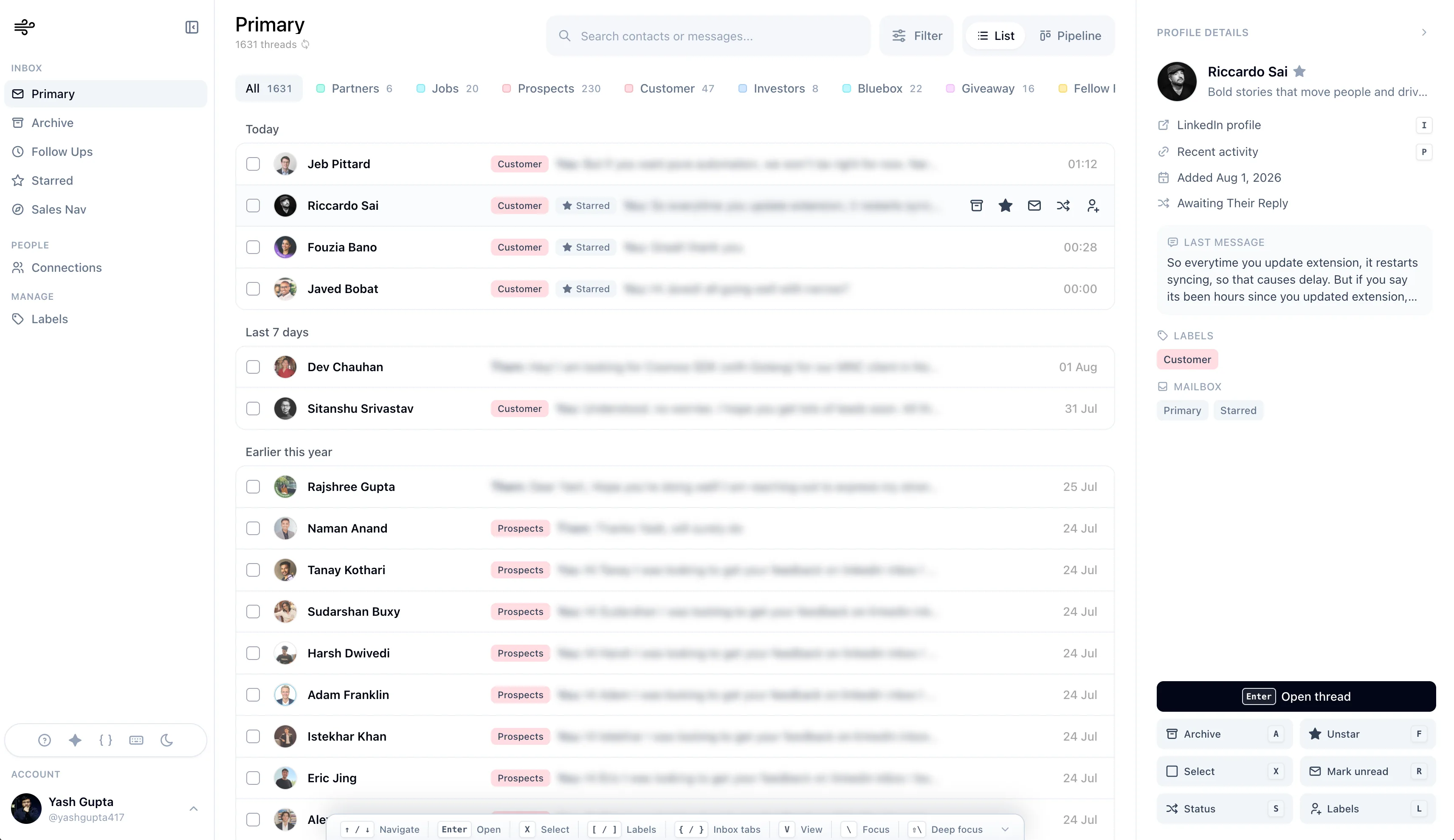
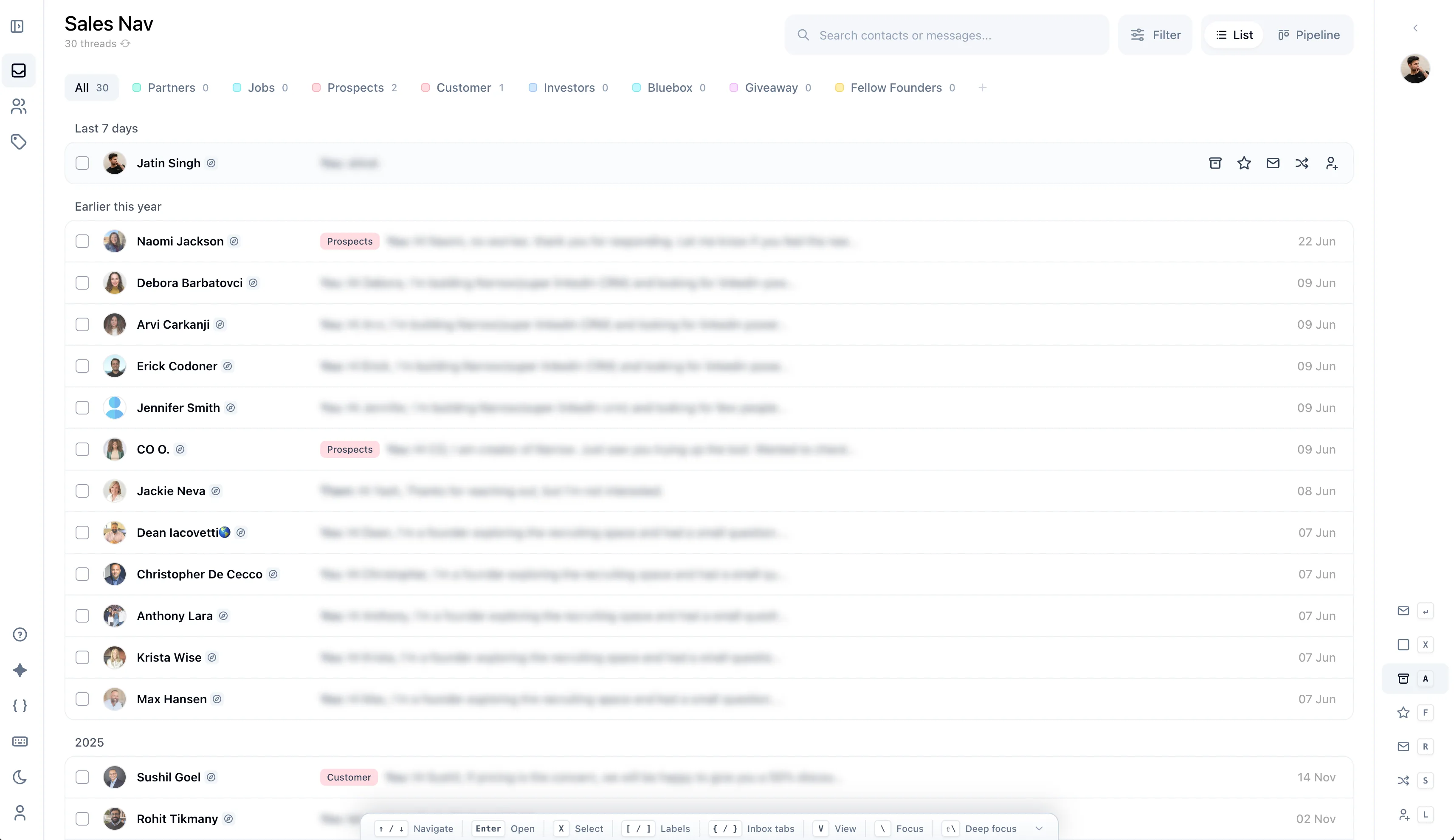
Review LinkedIn and Sales Nav conversations together.
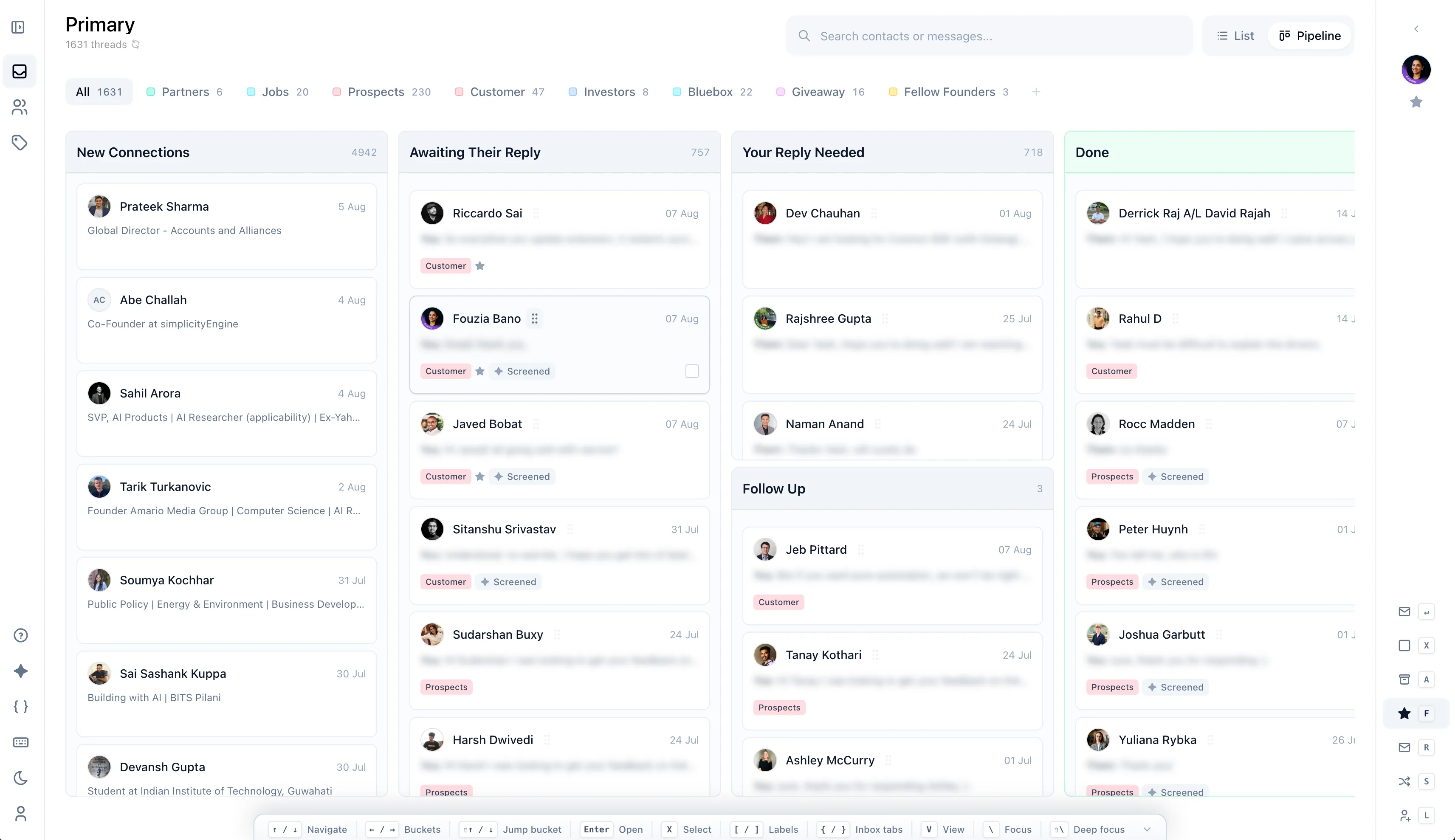
Track active prospects by stage.
Keep LinkedIn and Sales Navigator replies moving from first response to next step.
What goes wrong?
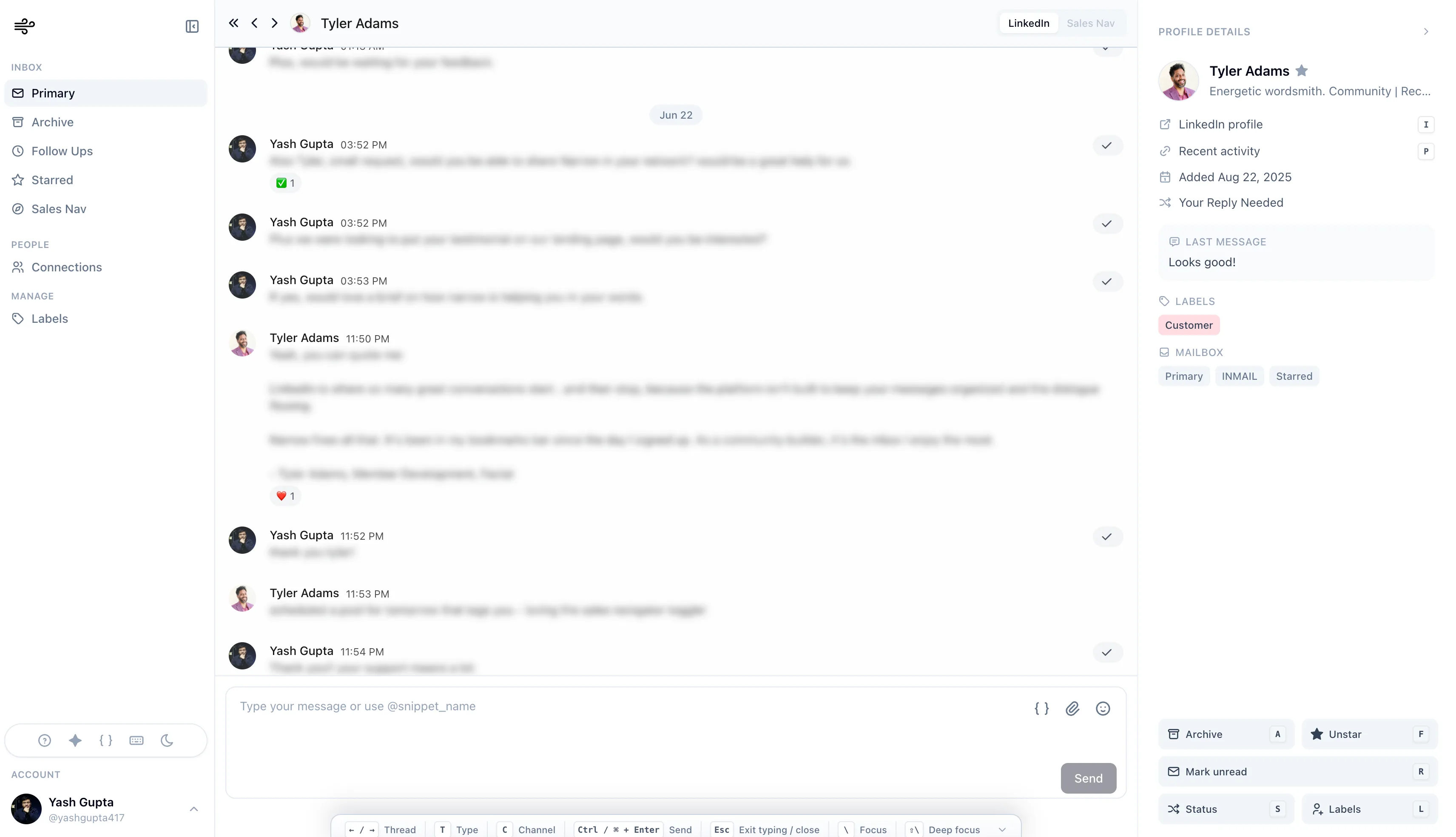
The fragile part is what happens after a buyer replies, asks a question, or says to reconnect later.
Missing piece
Review LinkedIn and Sales Nav conversations together.
Track active prospects by stage.
Missing piece
Move replies through simple stages.
Keep LinkedIn and Sales Nav conversations together.
Missing piece
Use snippets and reminders to keep prospects moving.
Know which replies need action today.
How Narrow solves it
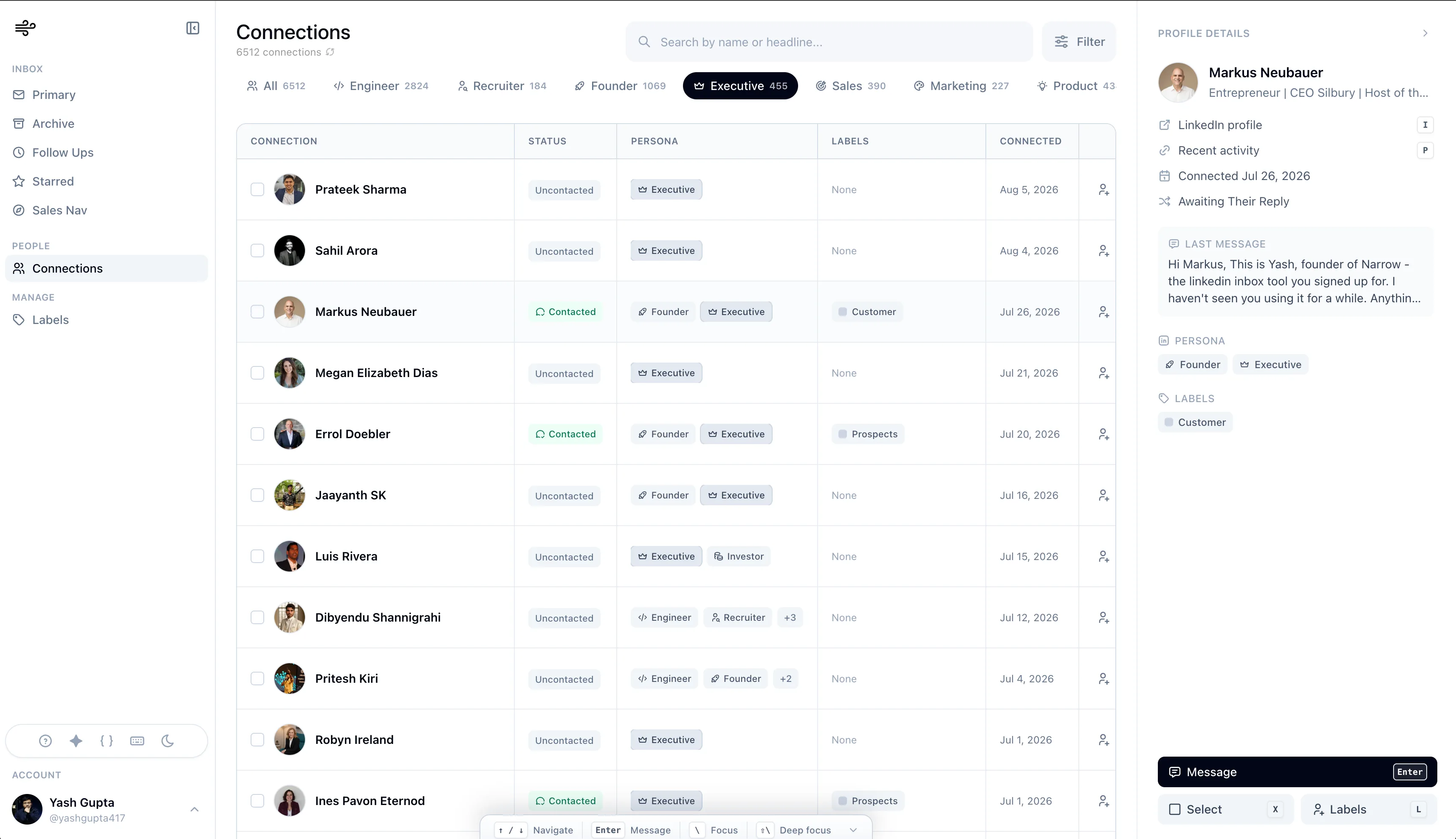
See labels, stages, reminders, search, and Sales Navigator support in the same workspace.
How do you run it?
Each step is small enough to run every day, but specific enough to keep important conversations from drifting.
Classify replies first, then work the priority lane.
Add a reminder when a prospect says to circle back.
Nudge or close waiting threads weekly.
Still deciding?
No. Narrow manages the LinkedIn conversation layer. Keep your CRM as the system of record and use Narrow to make sure replies actually reach it.
Yes. Sales Navigator conversations appear in the same workspace as your regular LinkedIn inbox, with the same labels and stages.
No. Narrow is human-led. It organizes real conversations, it doesn't send sequences. That keeps your account safe and your outreach personal.
Add labels, reminders, and stages on top of the inbox you already use. No exports, no new CRM.
No credit card required
